EMAcrossover_RSI Buy/sell signal-TRXBTC_15min by rajista EMAcrossover_RSI Buy/sell signal Strategy
To be used in combination with Alerts script, both can be added to your tradingview charts (Chart time-frame should be set to 15min) like you add any other simple indicator.
Add this script to your favorites and once you have been granted access, you will be notified in your Tradingview notifications section, then you can go ahead and add these two scripts into your charts from your favorite section of Indicator menu in Tradingview.
Benefits of this strategy:
1> Fully automated buy/sell signals 24x7
2>Your trades will always be based on a certain entry and exit plan.
3>No emotions involved with these trading calls, so no chance of FOMO buying/Panic Sell
4>You can fully customize the settings with a simple click(customization details given below)
5>Its completely free of cost!!!
There are two parts of this automated trading call system:
1>Strategy script- Gives the buy/sell signals based on the settings provided.
2>Alert script- Gives Alert notifications in tradingview when a buy/sell call is made.
Principle of working is very simple to understand:
Stragey script makes:
Buy call - When the 9EMA crosses above the 21EMA or RSI level-20 is reached in 15min-Chart.
Sell call -When 9EMA crosses below the 21EMA or RSI level-70 is reached in 15min-Chart.
Above values of EMA's and RSI are default values , which can be changed easily in settings panel of Strategy script.
Alert Script allows you to add Alerts when these buy/sell calls are made.
To create a Buy call alert:
1> Click on the create alert icon in your chart (top-centre)
2>Click on Condition -drop down button and select EMAcross_rsi_Alerts
3>Below that bar you will see another bar titled "Buy"-click on its drop down menu and select "Crossing Down"
4>Below that bar right next to Value change 0 to 0.9.
5>Set expiration date for your alerts as per your wish
6>Ensure "Show Popup" and "Play sound" is checked
7>You can check option of sending the alert to your email also.
Finally click on create.
To create Sell Alert:
Repeat same process, except that, after step 2- Do this- change the "long" option to "short" by clicking on the drop down menu right next to the first bar.
Click on create, Finally both of your automated buy/sell call alerts will be configured.
I know its been 2-3 days since i tweeted about this strategy and now i am making it available, you can understand i had to put in a lot of working hours, towards creating the source code for the strategy script and then for alerts script and even more so towards finding the perfect default settings which can be used straight away by anyone, even if you are new in crypto trading, apart from the time which i dedicate to analyse charts and pass on the knowledge/info to you all.
My next post will be even more helpful to you people as i am currently testing "fully automated trading" yea you heard that right!! - This system will trade 24x7 for you guys/girls no matter wherever you are either you are sleeping or watching a movie, your trades would still be getting executed with a proper entery-exit plan on a crypto exchange.
Pinescript
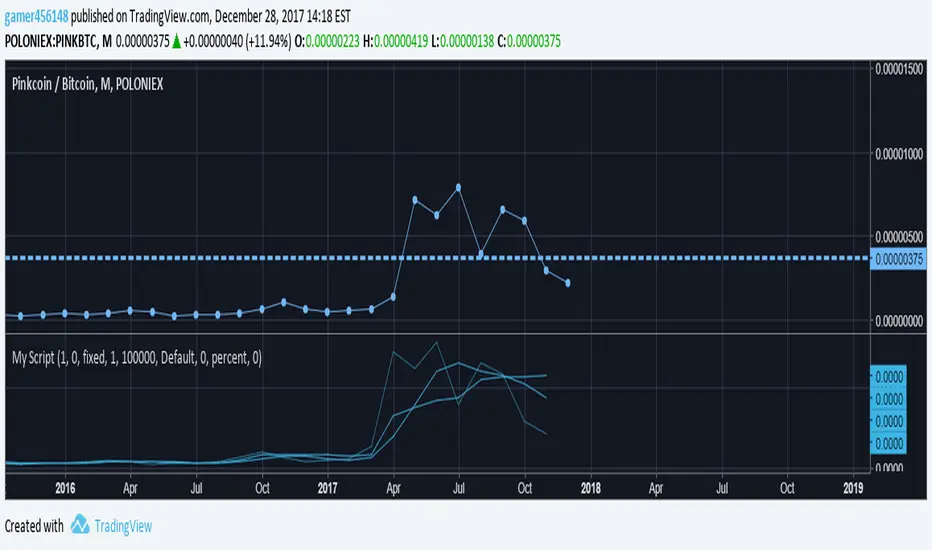
Volume & Intraday ScriptI am still learning pinescript, and part of this was created using the Pine Script language reference manual. This includes looking at the time series, a fixed length, and the default intraday_loss variables. This also includes the basic fixed lengths for an swma (Symmetrically weighted moving average) and the script to start creating a strategy. All in all this is just a basic sample of pinescript that you can customize for your trading needs. This can work with Cryptocurrency but these moving averages usually work more efficiently for forex.
15 Minute Gold Trend-Following StrategyThis is the main strategy that I will be forward testing on demo for a month or two, then making it an EA in MetaTrader4
You can see the code for yourself this time, all the strategy is, is a crossover of various moving averages.
Commission included, $10,000 account.
Results over the past 3 months, beginning in January 2017.

MAster Gold StrategyVersion 3 for you guys, just add to favorites and you can use.
Only 36 trades since 2017, since that is when the backtesting began.
I made the commission more realistic, now it is about 37 pips per trade.
Only works on gold, (XAUUSD).
Trend Following as you can see.
1 contract size, 1 trade at a time, good proof of how being correct less than a third of the time can still bring you in a lot of profits.
Essentially, the net profit will be close to $8000, or 80%, as a long position on XAUUSD is currently running, and when it is closed, the profit will go up.
Imagine that, 72% profit on your account in 3 months?
(Hint: add the indicator to your favs, pull up the 30 minute gold chart)

Updated Gold Strategy - Trend Following Script v4.0This strategy improves on the latest one that I posted in several ways.
the %profit is reduced by 3%
Success rate reduced by 2%
Drawdown decreased by half (from 40% to 20%)
Average trade $ increased by $500

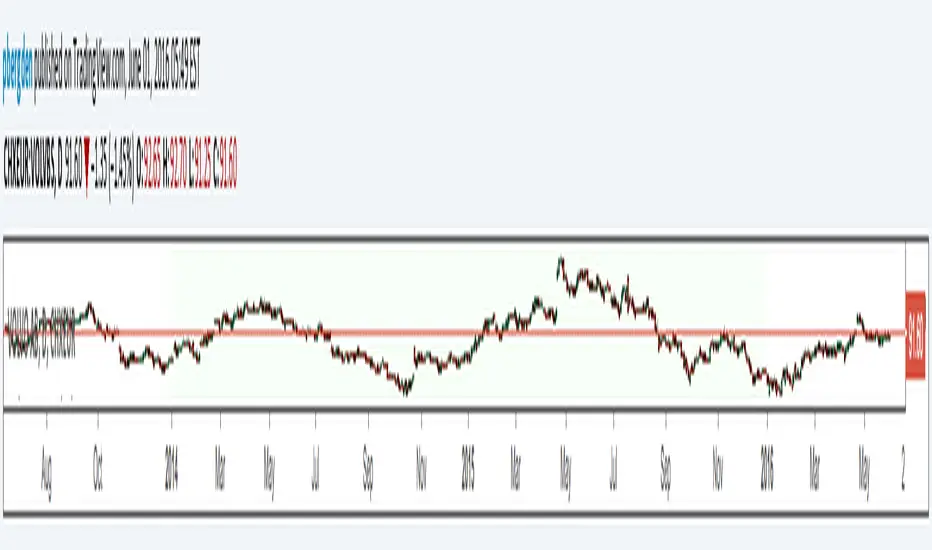
Backtesting Period Selector | ComponentDescription
It's nice to quickly be able to set the backtesting period when writing strategies.
To make this process faster I wrote a simple 'component'.
So this is not a strategy but rather code you can plug-into your strategy and use
if you need that specific functionality.
Then it's just a matter of selecting which dates you want to backtest.
You can also chose to color the background to visually show the testing period.
Unfortunately, the background color is fixed at 'blue' for now.
Ps. I like the idea of writing small components to be pluged into other strategies
I'll try to develop this idea a bit further and see how small pieces of code can
easily provide specific functionality to assist and make deving strategies a bit less 'Pineful'.
Usage
First copy the instructed part of the component code over to your strategy.
Next, use the testPeriod() function to limit strategies to the specified backtesting period.
Example usage:
if testPeriod()
strategy.entry("LE", strategy.long)
Todo / Improvements
There are many ways to improve this component and I'm not a very good coder so this is a very crude solutions.
Anyway, here are some things which would be nice to improve:
1. Enable color selection so that the user can choose the background color of his own liking.
2. Improve naming of variables.
3. Test for ilogical choices, such as test period start being at a later date, than test period stop.
4. Account for time zones.
As always, any feedback, corrections or thoughts are very much welcome!
/pbergden
Simple Strategy Code StubThis is a very basic strategy implementation
Use as a code stub for your strategy code. I wrote it because I could not find one.
This particular strategy goes long on Tuesdays at 10 am and goes short at 3 pm on Thursdays.
Because US markets open at 9:30 you have to have your chart in 30 minute or less resolution for trades to fire.
You can gut that code and replace it with your own to start testing your own indicators and strategies.
If you build a strategy that doesn't use "hour" like I have this resolution requirement won't apply.
For giggles, compare its performance to other strategies. Weird, huh? About 53% effective on most equities and indexes.
This strategy does the minimum needed to get a strategy working
and uses default position sizes and buys at market with no stops.
Again, it is the minimal code stub needed to test an indicator/rule based strategy.
A great code reference for building more sophisticated strategies can be
found here =>
The code is written by @greatwolf and is very well structured for anyone looking to fully utilize
strategy features for position sizing, limit orders, stops and cancellations.
